On January 15, 2025, the FXhome website will be taken down. It’s no longer possible to register for any FXhome software. If you already have FXhome software, you can click below to learn more about future use.
Go to Help Center
Welcome to the FXhome blog – your one-stop learning resource for everything filmmaking and video production-related. Whether you’re into editing, VFX, photography, or motion graphics, we’ve got you covered. Let’s get learning.
Learn HitFilm & Imerge
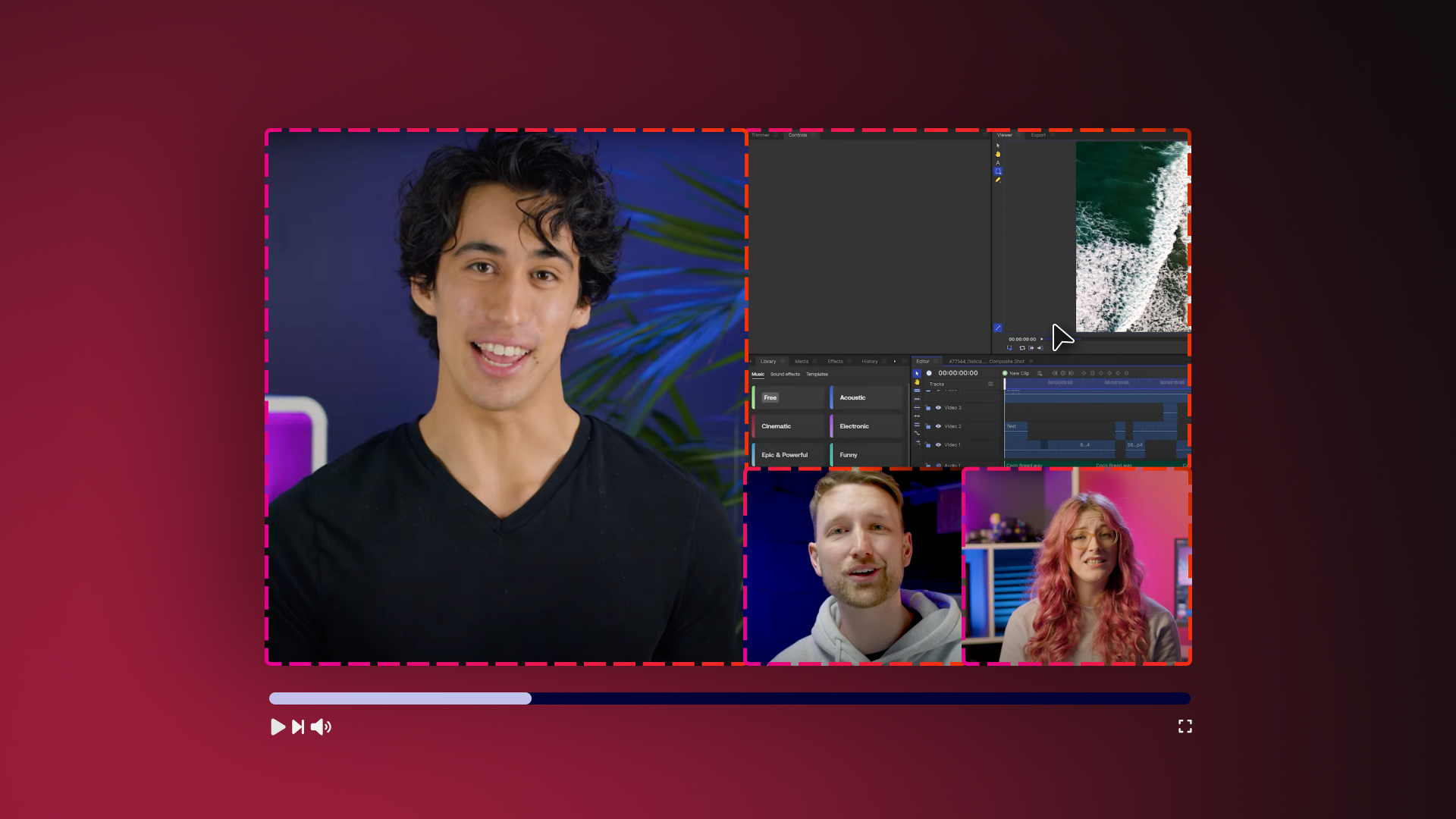
Learn editing techniques, how to use HitFilm effects and more with these short videos
Getting creative with video is all about making the most of your shots. Let’s make every cut count with this special look at video editing techniques for beginners and beyond.
Making your own film is a hugely enjoyable exercise. If you want to make a movie with a low budget, limited resources, and little experience then this is the guide for you.
The Imerge team has been hard at work to bring you the next Imerge Pro release just in time for the end of summer. We’ve added 8 new effects, a new-and-improved effects menu, and new ‘effect stack’ presets to speed up your workflow. Keep reading to learn what’s new in Imerge 2021.3.
Want to level up the quality of your composites? While not usually the focus of the scene, the type of blur you use in your VFX work can make a huge difference in the overall realism of the shot. In this tutorial, Zach introduces you to the Lens Blur effect and explains how it can be used
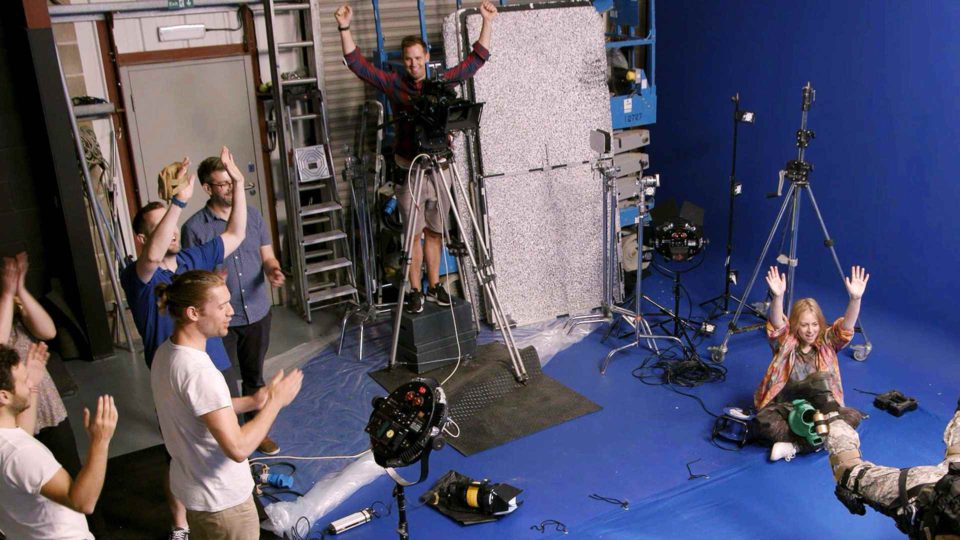
Inspired by the most iconic scene from The Matrix, the bullet time effect is the best way to capture the most intense action scenes! Today we’re using HitFilm and its built-in Foundry Camera Tracker effect along with footage taken with CamTrackAR to show you how it can be done easily and on a low budget.
Learning how to color correct skin tones can be a difficult thing to master. Luckily, finding that ‘sweet spot’ is a lot easier than it seems and can be achieved in a few easy steps. In this article, we’ll show you how to color correct skin tones in any NLE.
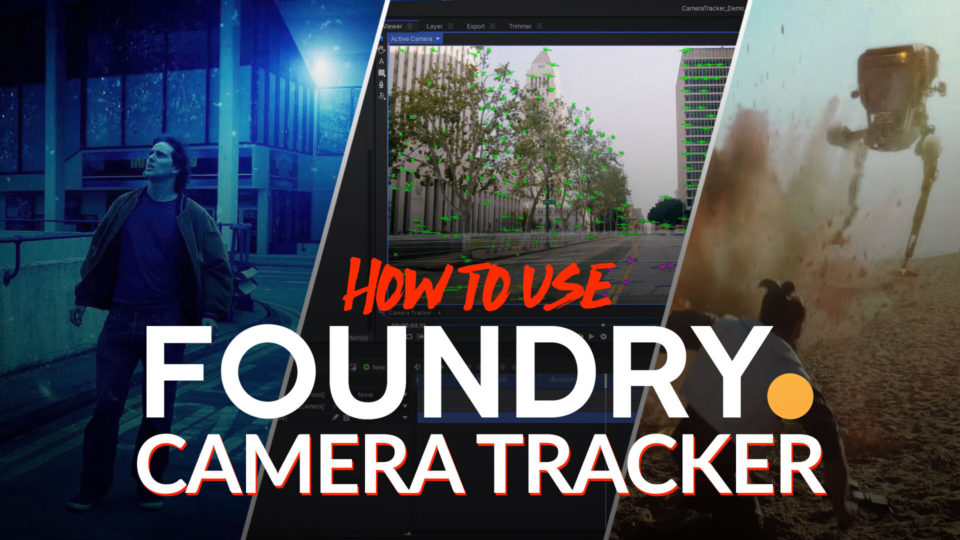
Add 3D models and VFX to your video footage with the Foundry 3D Camera Tracker! This tool (included in HitFilm and can be tried for FREE) allows you to take any pre-recorded footage, track it, and add CG elements flawlessly, creating incredible levels of realism, production value, and storytelling potential. Zach takes you through the entire process so that you’ll be able to create the VFX shots you’ve always wanted.